Razer Huntsman Mini
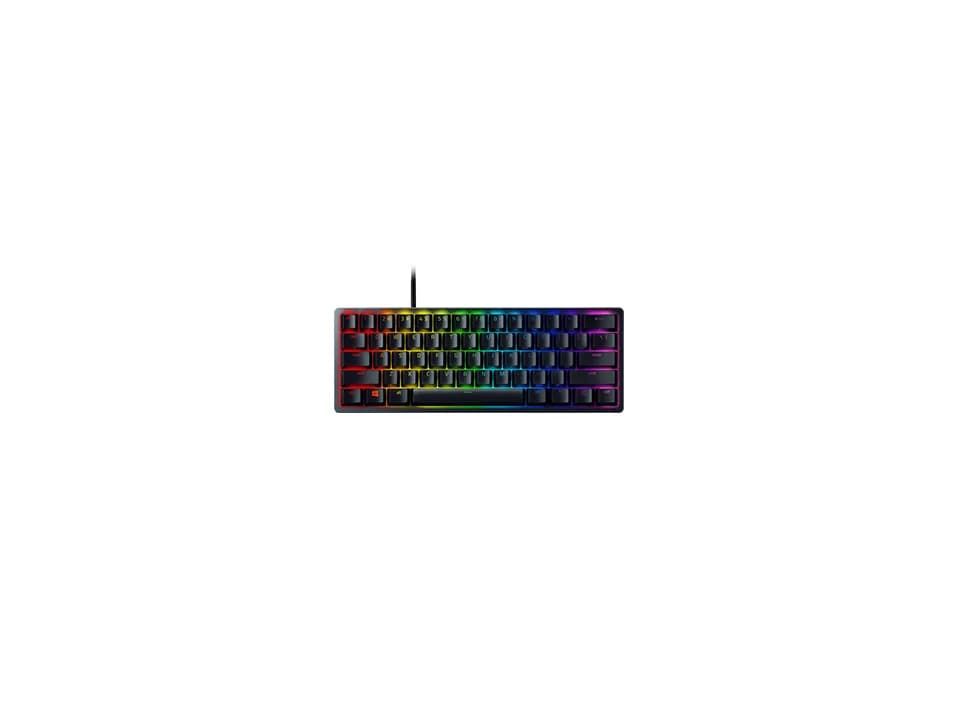
Is the Huntsman Mini right for you?
The Huntsman Mini is a gaming keyboard in a 60% layout, with Razer's optical switches and a wired connection through a detachable Type-C cable.
Best for
- Small desks. Razer calls it highly portable.
- People who take their settings from one computer to another. Razer says you can store and activate up to 5 keyboard profiles on it without the need for software.
Skip if
- You use the function row, home cluster or number pad all the time. Razer says the Huntsman Mini doesn't have them and makes those inputs accessible through secondary functions and shortcuts instead.
- You want to go wireless.
Want to see it next to a mouse and a headset? Try it on the QuickDesker board and build a whole desk setup around it.
What does it cost, and what should you check first?
- Seen at Best Buy for $69.00 (Black (Clicky Optical Switch)) on 27 Oct 2026
- Seen at Razer.com for $119.99 (Black (Clicky Optical Switch)) on 27 Oct 2026
Prices change; check the one for the switch and colour you want. Razer sells it in Black and Mercury, and each colour comes with either of its two switches.
Razer's store page lists a standard bottom row layout. Razer also says the keycaps have side-printed secondary functions, for easier reference with commands and hotkeys.
Amazon's listing is the black Clicky Optical Switch version.
Clicky or linear: which optical switch should you pick?
Razer offers the Clicky Optical Switch (Purple) and the Linear Optical Switch (Red). A linear switch moves down without a bump; a clicky one adds a bump and an audible click partway through the press.
Both are optical, which means a press is detected with a beam of light rather than by two metal contacts touching. What separates linear and clicky switches is covered in our guide Mechanical Keyboard Switches Explained: Linear, Tactile and Clicky.
What do reviewers say?
Two reviews found it quick. One called it very responsive in competitive play; another found the optical switches fast.
Two also raised comfort. One found it can be tiring to type on for long periods without a wrist rest; another found it isn't comfortable for resting your hands. Razer's store page lists the wrist rest as None.
Full specifications
| Layout | 60% |
|---|---|
| Connections | Wired - Detachable Type-C |
| Switch options offered | Clicky Optical Switch (Purple), Linear Optical Switch (Red) |
| Backlight | Razer Chroma™ RGB customizable backlighting with 16.8 million color options |
| Keycap material | Razer Doubleshot PBT Keycaps |
| Case material | Aluminum construction |
| Polling rate | 1000 Hz |
| Wrist rest included | None |
| N-key rollover | N-key roll-over with built-in anti-ghosting |
Razer's Huntsman Mini product page and store page don't list a key count, a weight, spill resistance or whether the switches are hot-swappable.
Specifications from Razer's Huntsman Mini product page and store page, read 16 Sep 2026.